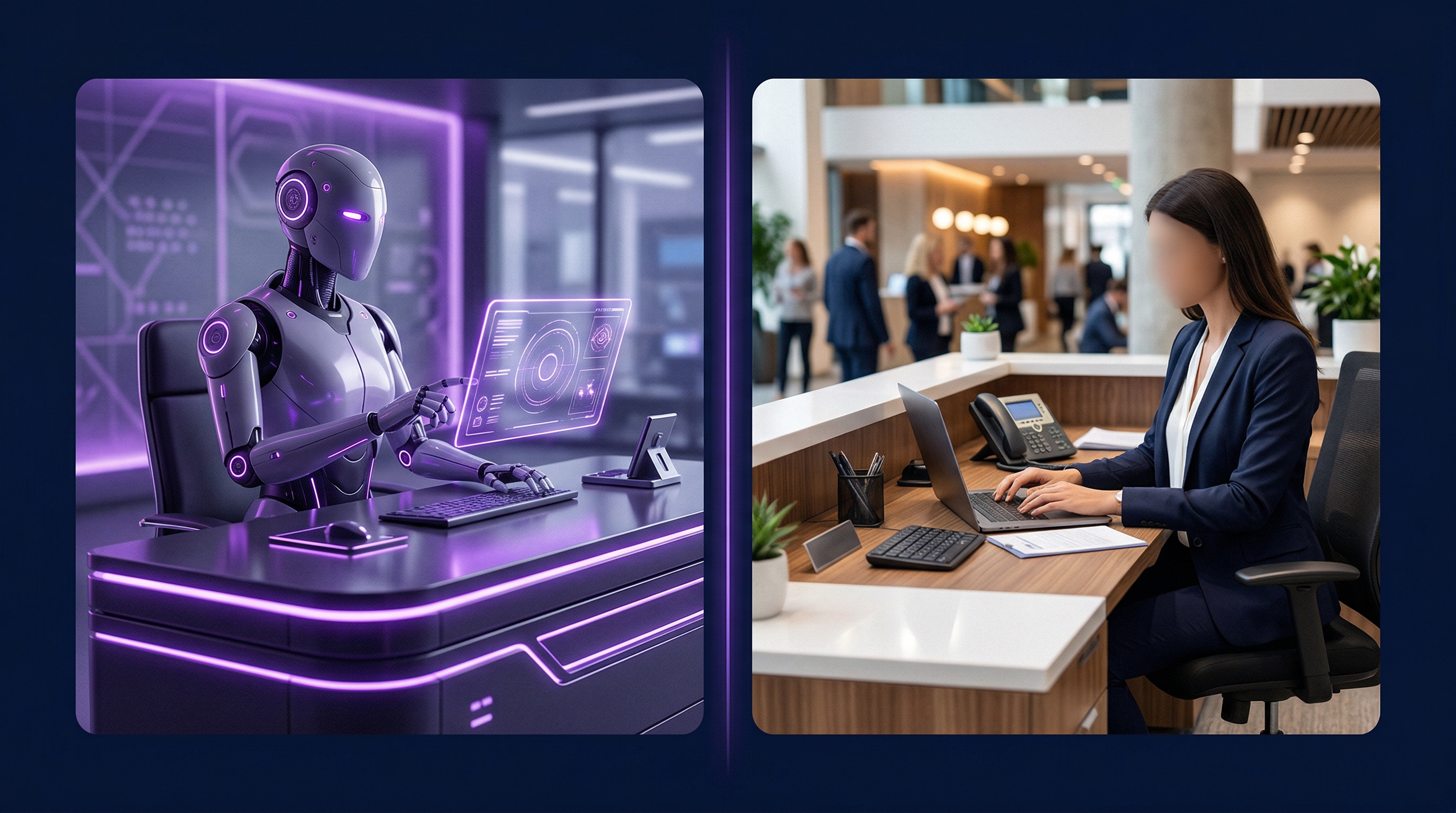
If you searched for RingCentral AI Receptionist, you probably run your phones on RingCentral or you're looking at it. This page lays out what RingCentral says its AI Receptionist does, using only RingCentral's own product page, and where a contractor might want something different. We make CallSetter AI, so read our side with that in mind. We haven't tested RingCentral's product ourselves.
What this guide covers
What RingCentral AI Receptionist Is
RingCentral describes AI Receptionist as an AI that answers and handles your business calls 24/7 and works as the front desk for inbound calls. Callers say what they need in their own words instead of pressing buttons in a phone tree. Depending on the call, it answers a question, captures lead details, schedules an appointment, sends a follow-up text or routes the call to the right person with context.
RingCentral says it's sold as a standalone or add-on license for new and existing RingCentral customers in the U.S. and Canada, and as an add-on in the U.K., Australia and the EU.
What RingCentral Says It Does
All of the following comes from RingCentral's AI Receptionist page.
- It answers calls during business hours, after hours, on weekends and on holidays, and handles several calls at the same time.
- It learns your business from your website, FAQs and uploaded documents, and answers routine questions about hours, services and locations.
- It routes calls by name, department, location, keywords or what the caller says, and sends a call summary along when it transfers.
- It asks intake questions you set, collects the caller's name, number and reason for calling, and logs them in your CRM. RingCentral names Salesforce, HubSpot and Zoho.
- It books and reschedules appointments through Google and Outlook calendars and texts the caller a confirmation.
- It sends follow-up texts with forms, links or instructions, and RingCentral says it now answers text messages too.
- It speaks English, Spanish, French, Italian, German and Portuguese, and can switch languages in the middle of a call.
- It records and transcribes calls and reports call volume, resolution rates, transfers and unanswered questions.
- Each location can have its own business hours, routing rules, greetings and text replies.
One thing to check: two lines on RingCentral's page about syncing CRM, scheduling and ecommerce apps carry an asterisk, and the asterisk at the bottom of the page reads "Coming soon." Ask RingCentral which connections are live for your account today.
How RingCentral Setup Works
RingCentral's setup is self-serve. You enter your business website, and it creates an AI Receptionist with your company description, business hours, FAQs and greetings already filled in. You review and change it in an admin portal. RingCentral says most businesses get running in minutes, with no IT team.
It also works on top of the phone system you have now, through call forwarding or SIP, and you can keep your current numbers. If you're already a RingCentral customer, it syncs your numbers, extensions, contacts, business hours and routing settings. RingCentral also says it doesn't use your data to train its AI models.
Where a Contractor's Phone Needs More
RingCentral's examples are banks, clinics, insurance, legal services, construction and real estate. Its construction example is routing calls by location. A contractor's phone usually needs more than routing.
A homeowner who calls about a leak needs someone to recognize an emergency and get a tech moving. A homeowner who wants an estimate needs a time on the right calendar, in the software you dispatch from. And a lead who filled out your web form at 9 PM needs a call back, which is outbound work. RingCentral's AI Receptionist page describes inbound calls, and it doesn't describe calling new leads back. Our speed to lead guide covers why the timing of that call matters.
There's also the question of who does the work. A self-serve tool is quick to start, but someone on your team has to write the answers, test the calls and fix what goes wrong. For a contractor who's on job sites all day, that someone is often the owner.
What CallSetter AI Does Differently
- We build it for you. After a 30 to 60 minute onboarding call, our team writes the call scripts, sets up the qualification rules and designs the call flows for your trade. You approve the final script before anything goes live.
- It books into field service software. We connect ServiceTitan, Housecall Pro, Jobber, HubSpot, Salesforce, Calendly, GoHighLevel and more, and appointments sync on their own.
- It recognizes emergencies. The agent listens for words like burst pipe or gas leak and sends an immediate dispatch alert to your on-call team.
- It calls leads back. On our Growth plan, a second agent makes speed-to-lead calls and follows up with new leads within 60 seconds of a form submission.
- We keep tuning it. Plans include script optimizations every month: one on Starter, three on Growth and four on Enterprise.
- Compliance is part of the plan. TCPA compliance, DNC scrubbing and call recording disclosures are included.
One place RingCentral's page lists more: texting. Automated text follow-up is a separate add-on with us, while RingCentral's page lists texting as part of the product. If texts matter most to you, weigh it.
RingCentral AI Receptionist vs. CallSetter AI, Side by Side
| RingCentral AI Receptionist (per its page) | CallSetter AI | |
|---|---|---|
| Who sets it up | You, in a self-serve admin portal, starting from your website | Our team, after a 30 to 60 minute onboarding call |
| Your phone system | Works on top of it through call forwarding or SIP. Keep your numbers | We connect the agent to your existing phone system during setup |
| Tools it names | Google and Outlook calendars. Salesforce, HubSpot and Zoho | ServiceTitan, Housecall Pro, Jobber, HubSpot, Salesforce, Calendly, GoHighLevel and more |
| Calls new leads back | Not described on its AI Receptionist page | Speed-to-lead calls on Growth and Enterprise |
| Emergencies | Routes urgent calls based on your rules | Detects emergency keywords and alerts your on-call team |
| Languages | English, Spanish, French, Italian, German and Portuguese, per its page | English, Spanish, French, Portuguese and 20+ more, per our AI voice agent page |
| Text messages | Sends confirmation and follow-up texts, and answers texts | Automated text follow-up is a separate add-on |
| Recordings and transcripts | Yes, with call analytics | Yes, with a real-time reporting dashboard |
RingCentral column from ringcentral.com/ai-receptionist.html, read November 14, 2026. We haven't tested it. CallSetter AI column from our own pages the same day. We don't compare prices here. For current plans, see RingCentral's AI Receptionist pricing page and our pricing page.
Want it built for you?
Book a 30-minute call. We map how your calls get handled now and show how our agent would answer and book them.
Book a DemoWhich One to Pick
Choose RingCentral AI Receptionist if you already run your phones on RingCentral and want everything in one account. It also fits if you'd rather set things up yourself and change them whenever you like, if you have several locations that each need their own hours and greetings.
Choose CallSetter AI if you'd rather not build or tune the agent yourself, if your jobs live in ServiceTitan, Housecall Pro or Jobber, or if you want new leads called back as well as calls answered. See what the product does on our AI receptionist page. To see more vendors side by side, read our guide to the best AI receptionist for small business. And if you're still deciding between AI and a person at the front desk, our AI receptionist vs human receptionist comparison walks through it.
Questions to Ask Before You Choose
- Which of my tools does it connect to today, by name, and which are still coming?
- Who writes the script, and who fixes it when the agent gets something wrong?
- Can it book straight into the software I dispatch from?
- What does it do with an emergency call after hours?
- Does it call new web leads back, or only answer calls?
- What's included in the monthly price, and what's an add-on?
Frequently Asked Questions
What is RingCentral AI Receptionist?
It's RingCentral's AI for answering business calls 24/7. Per RingCentral's page, it answers questions from your website and documents, captures lead details, books appointments in Google or Outlook calendars, sends texts and routes calls with a call summary.
How much does RingCentral AI Receptionist cost?
RingCentral publishes its AI Receptionist plans at ringcentral.com/pricing/ai-receptionist.html and also offers a contact sales option. Its AI Receptionist page says it's sold as a standalone or add-on license in the U.S. and Canada, and as an add-on in the U.K., Australia and the EU. We don't compare prices on this page.
Does RingCentral AI Receptionist work with my current phone system?
RingCentral says it can sit on top of existing cloud, on-premises and hybrid phone systems through call forwarding or SIP, and that you can keep your current numbers. RingCentral customers get a direct integration that syncs numbers, extensions and routing.
Can RingCentral AI Receptionist book appointments?
Yes, per RingCentral's page. It books and reschedules appointments by connecting to your calendar, syncs with Google and Outlook calendars, and sends the caller a confirmation text.
Is CallSetter AI a good RingCentral AI Receptionist alternative for contractors?
It is if you want the agent built and tuned for you. We write the script, connect tools like ServiceTitan, Housecall Pro and Jobber, flag emergencies to your on-call team and, on Growth, call new leads back within 60 seconds. RingCentral fits better if you want to set it up yourself.
Do I have to switch phone providers to use CallSetter AI?
No. During setup we connect the agent to the tools you already use, including your phone system, CRM, calendar and dispatch software.
Methodology and Sources
Everything this page says about RingCentral AI Receptionist comes from ringcentral.com/ai-receptionist.html, read November 14, 2026. We didn't test the product, and we left out the customer results RingCentral quotes on that page.
CallSetter AI features and plan details come from our pricing page, how it works page, AI receptionist page and AI voice agent page, read the same day.
This page doesn't compare prices. Both companies change plans, so check RingCentral's pricing page and ours before you buy.